Enterprise applications at vibe coding speed,
governed from day one
Your teams describe what they need. AI Builder and AI Widget Studio turn it into a working cplace application in days, not months, with your permissions, your audit trail, and your guardrails built in.
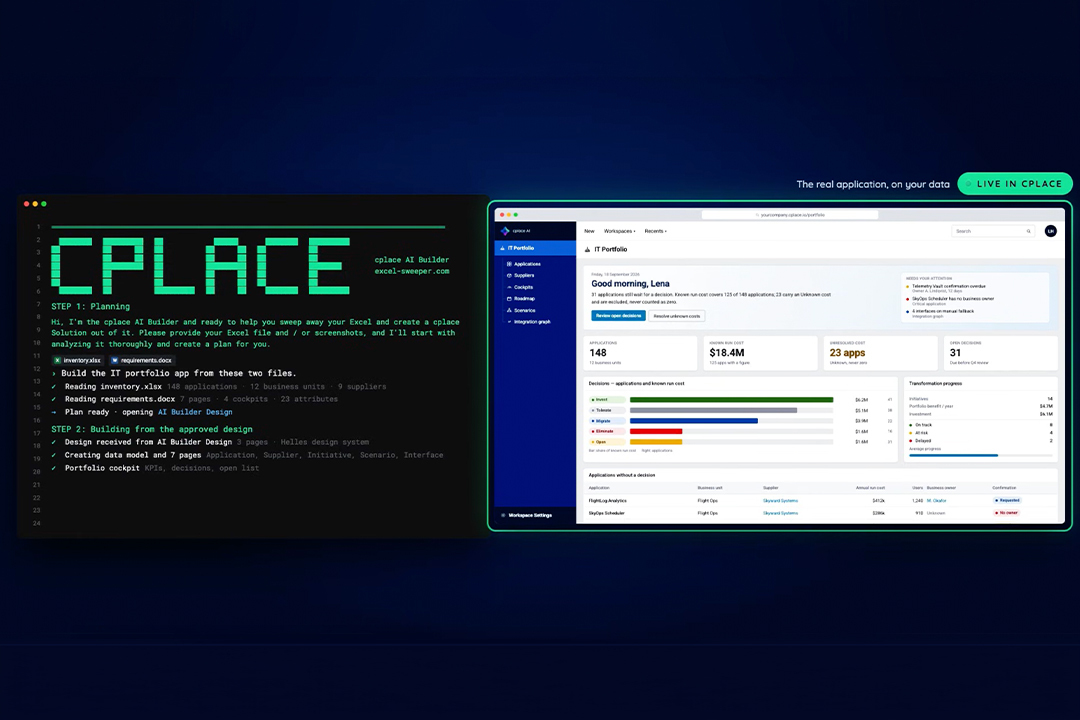
See cplace AI Builder in action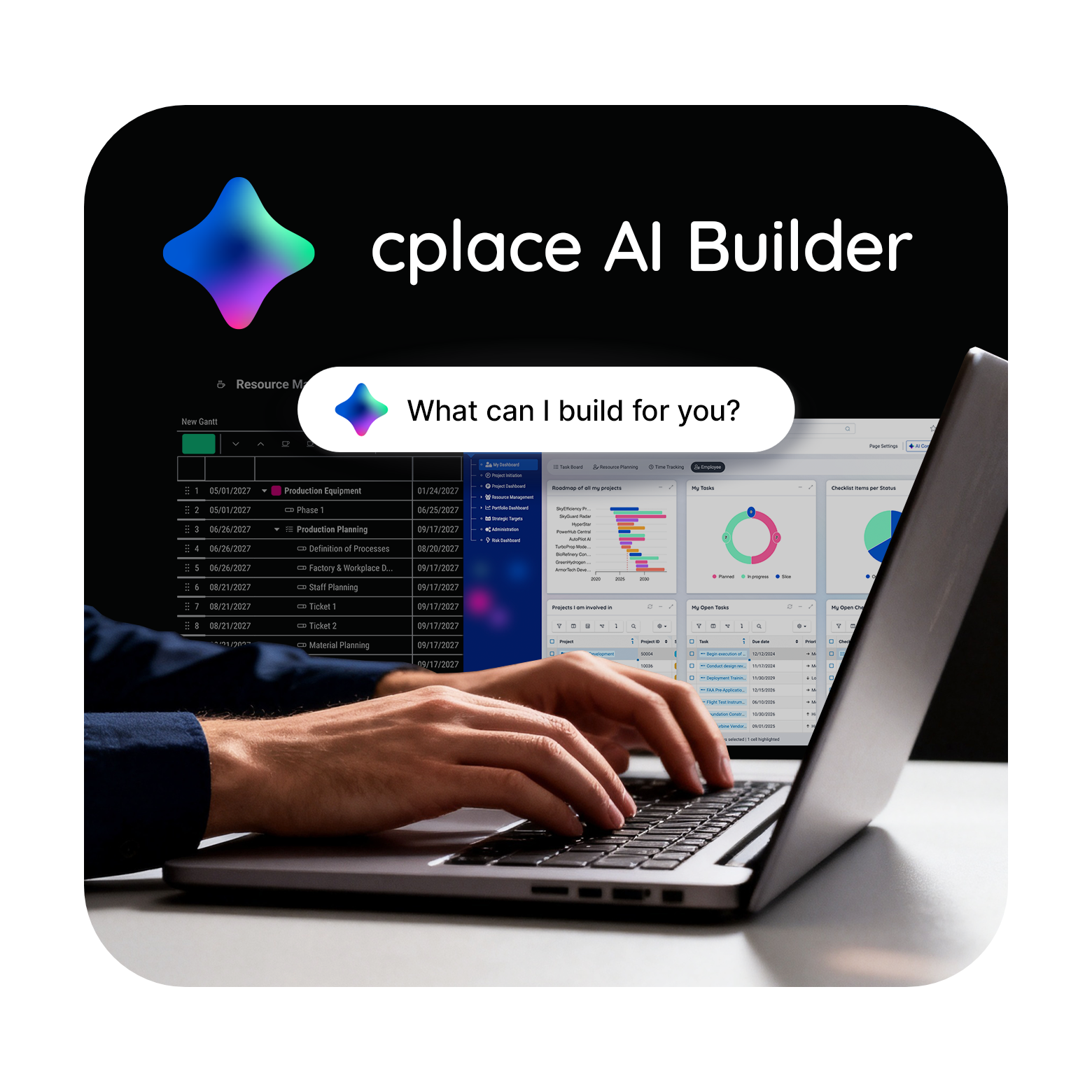
We support these and more companies on their AI journey















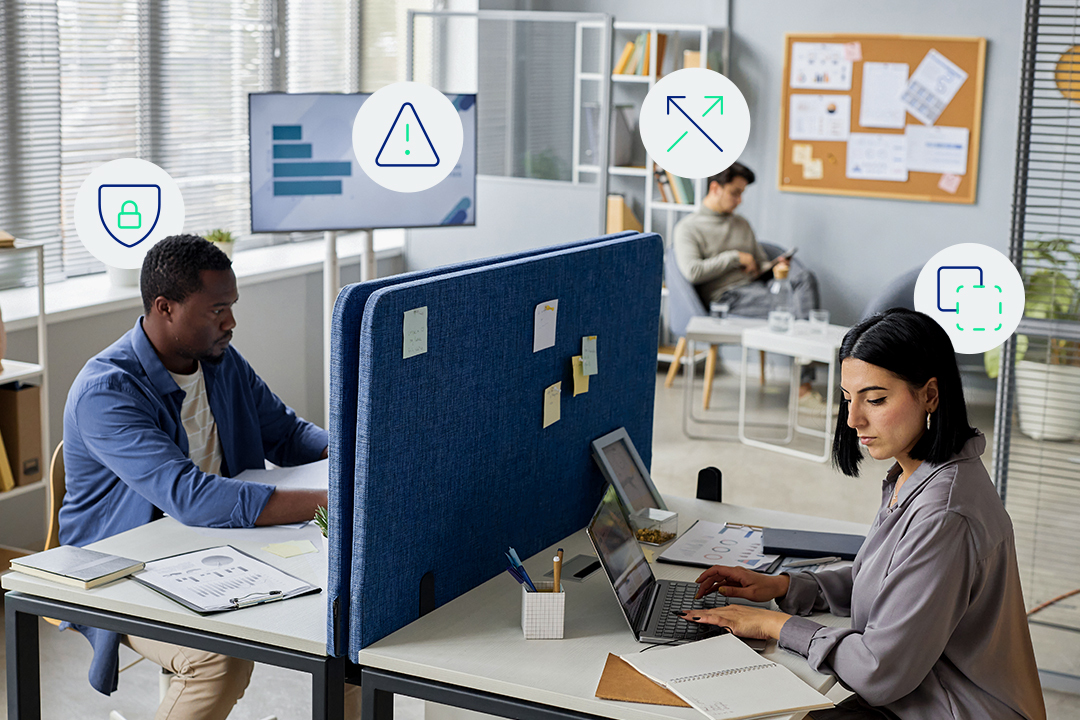
Shadow IT lived in Excel. Shadow AI is next.
Every enterprise runs critical processes in spreadsheets because the system of record couldn’t keep up. Risk registers, cost trackers, and status reports end up in files nobody owns, nobody can audit, and anyone can forward.
AI widens that gap. Anyone can now generate an app in an afternoon, but very few organizations can run one with the permissions, versioning, and maintenance an enterprise needs. Generating software is no longer the hard part. Governing it is.
Two ways to build with cplace AI

AI Widget Studio
One view
Starts from a plain-language description of a chart, board, or interactive report. Delivers a working Low-Code widget, built live on your real data model and published to dashboards and project pages with permissions applied.
Learn more about AI Widget Studio
AI Builder
A whole solution
Starts from documents, spreadsheets, slides, or an existing cplace solution. Delivers the data model, workflows, layouts, and dashboards your teams work with, as a new solution or as an extension of what already runs.
How the AI Builder works
cplace MCP Server
The foundation
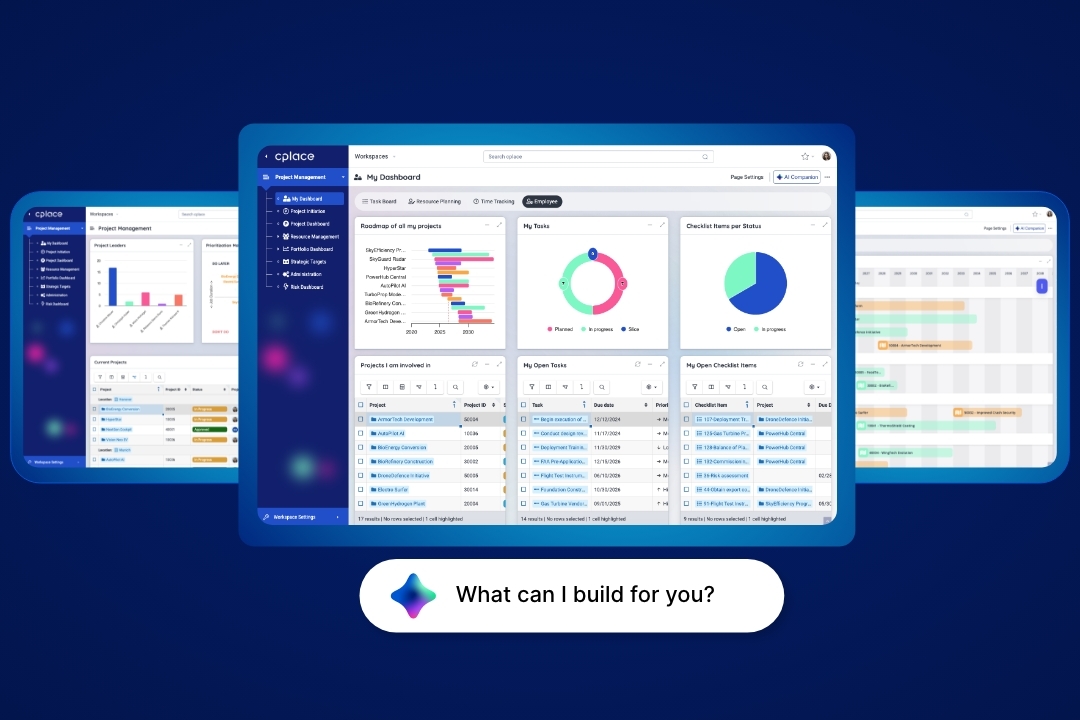
Both solutions work through the cplace MCP Server, which exposes more than 100 tools across data, data model, layouts, and automations. Everything a person can build in cplace, an agent can build, under the same permissions.
Every other AI works inside your PPM tool. AI Builder builds the tool itself.
Most AI in project management helps people use what has already been built. It answers questions, drafts updates, and flags risks inside a solution whose data structure, workflows, and dashboards were set long before AI arrived. Changing that solution later becomes a project of its own.
AI Builder changes the solution itself. It creates every layer in a single pass, from data model and business logic to pages, views, and dashboards, with the structural depth real PPM requires. Point it at an existing workspace, and it extends what’s already running.

Out-of-the-box speed
A complete, working cplace application with the fit of a custom build at the speed of buying.

Tailored fit
Your portfolios, processes, and rules shape the solution, not a template you bend back into place.

Real PPM depth
Structural depth that matches the complexity of your portfolio and holds up over time.
From your material to a working solution
AI Builder compresses the path from requirements to a running solution. Your experts spend their time on decisions, and nothing is built before they approve it.

Prototype
Screens and data model come first. Your team clicks through the prototype, iterates on it, and signs off.

Plan
AI Builder builds in the cplace workspace you choose, usually staging, and tests every change along the way.

Implement
AI Builder builds in the cplace workspace you choose, usually staging, and tests every change along the way.
Days or weeks
to a complete, governed application that meets all your requirements

~40%
less effort on solution development
Generation is a commodity.
Governance isn’t.
Everything AI Builder and AI Widget Studio create inherits your organization’s permissions and audit trail. That’s the part a CIO can sign off on.

Inherited permissions
New objects are configured against the existing roles and permission model. Nothing gets a permission scheme of its own.

Review gates
The prototype and the build plan both need your approval before the build begins.

Staging and promotion
Changes land in the instance you choose, usually staging. After testing and expert verification, cplace Solution Management promotes them to production.

Built for the long run
Structured data, versioned and auditable, in cplace’s own No-Code and Low-Code toolkit. What AI Builder creates stays maintainable long after the build.

Your AI, your keys
You bring your own key and work with the AI provider your company already uses. Your data never trains anyone’s model.
What AI Builder builds
- Collaboration apps: Shared workspaces where teams across departments or companies plan and decide together.
- Systems of record with workflows: Structured data with approvals, status logic, and clear ownership.
- Dashboards and reports: Portfolio views and management reports on live data.
- Any business solution you are currently missing from your software landscape.
Where AI Builder pays off fastest
- New solutions (Greenfield): A new requirement, an RFP, or a process that still runs in spreadsheets becomes a governed cplace solution, without a months-long implementation project.
- Existing solutions (Brownfield): A cplace solution that’s already running gets modernized or extended. Changes that used to take weeks ship in days.

Delivered with cplace experts
We implement AI Builder projects using cplace Accelerate. Your subject matter experts make the decisions, AI Builder handles the implementation, and a cplace expert reviews the results before the go-live.
AI Widget Studio
Your team describes a chart, a board, or a report. AI Widget Studio uses this information to create a fully functional widget in your existing cplace environment.
cplace AI
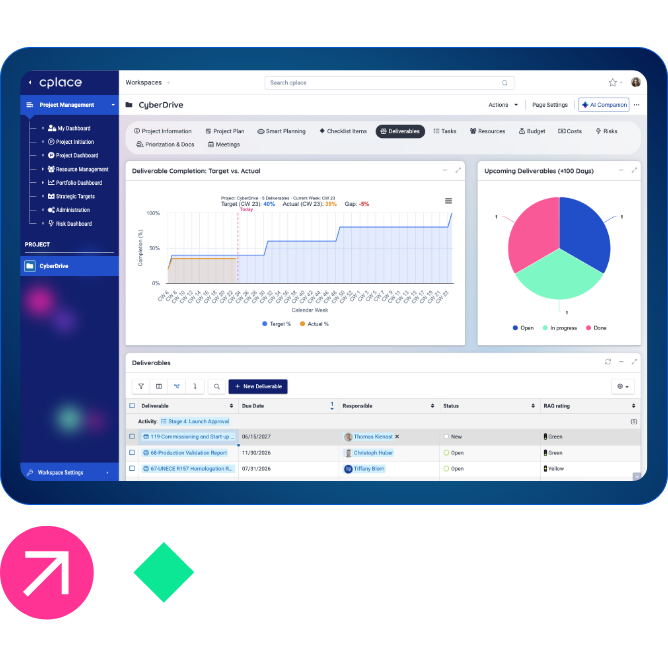
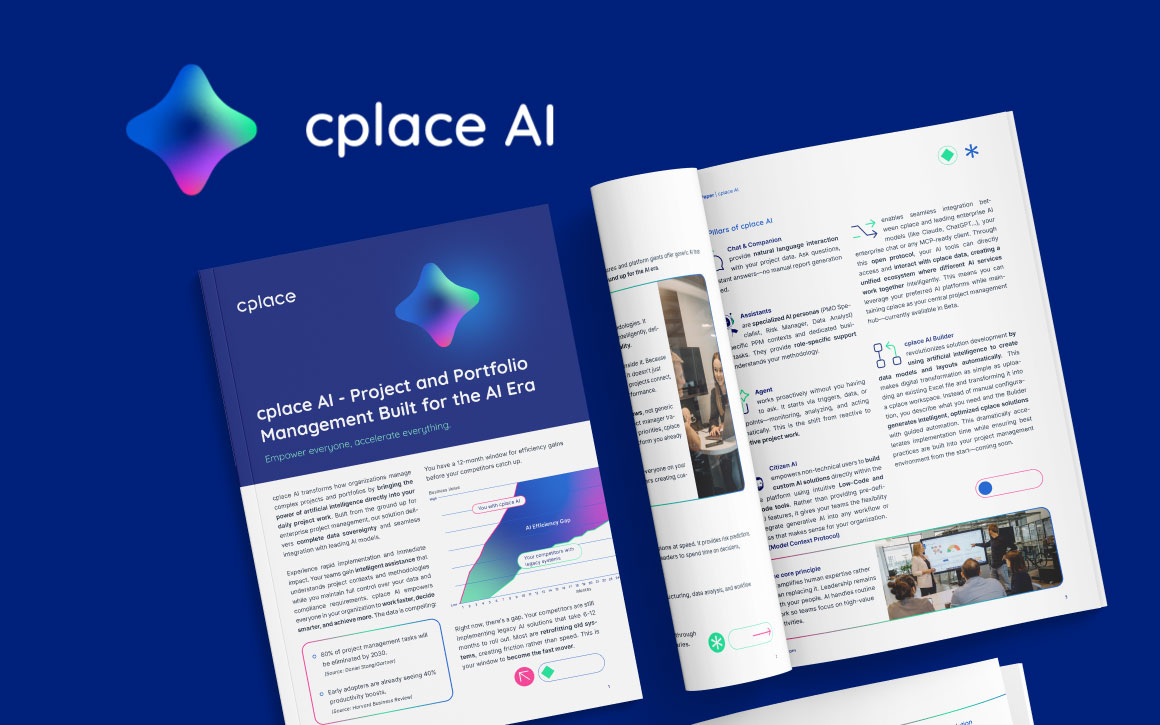
Less routine, more impact: cplace AI takes the strain off teams in their day-to-day work and frees them up to make better decisions.

Frequently asked questions
cplace AI Builder is a governed AI application builder on the cplace platform. It turns Excel files, requirements documents, slides, or an existing cplace solution into a working enterprise application, including data model, workflows, layouts, and dashboards. Domain experts review a prototype and a build plan before anything is built, and the result runs inside your existing cplace permission model.
Vibe coding tools generate standalone apps that someone then has to host, secure, and maintain. AI Builder builds on the cplace platform, so every application starts with an enterprise data model, your permission model, audit trails, and a staged path to production. You get the speed of vibe coding without creating shadow AI. Link: What is enterprise vibe coding?
Documents, spreadsheets, slides, requirements, or an existing cplace solution. You don’t need clean requirements: AI Builder structures what you have, and a cplace expert makes sure the result captures what the business needs.
AI Widget Studio builds a single widget, such as a chart, board, or interactive report, from a plain-language description. AI Builder builds a whole solution, including data model, workflows, and layouts, and uses AI Widget Studio for the widgets inside it.
No. AI Builder writes configuration directly into a designated cplace workspace through the cplace MCP Server, with no separate build or compilation step. Changes are typically validated in staging and promoted to production through cplace Solution Management, with a cplace expert verifying the result before go-live.
In your own cplace instance. Hosting, infrastructure, and your roles and permissions are already in place before the first prompt.
Your team does. What AI Builder creates looks and works like the rest of your cplace solution, so your cplace administrators can adjust fields, workflows, and dashboards without writing code. For bigger changes, you can run AI Builder again.
No. You bring your own key and choose your AI provider. cplace data is never used for AI model training, and every interaction is logged and auditable.