cplace Userpilot
Usage analytics and digital adoption for your cplace solution
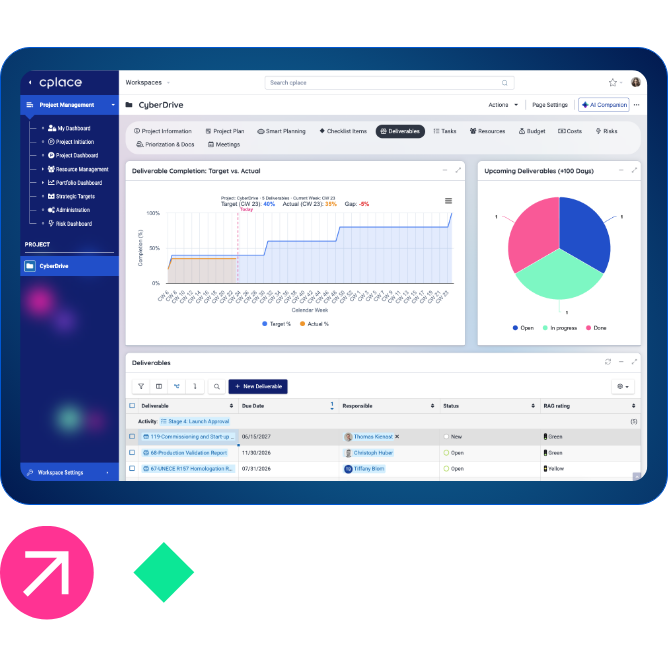
Understand usage, enable users where they work and collect feedback at the right moment. All directly in cplace. Contact us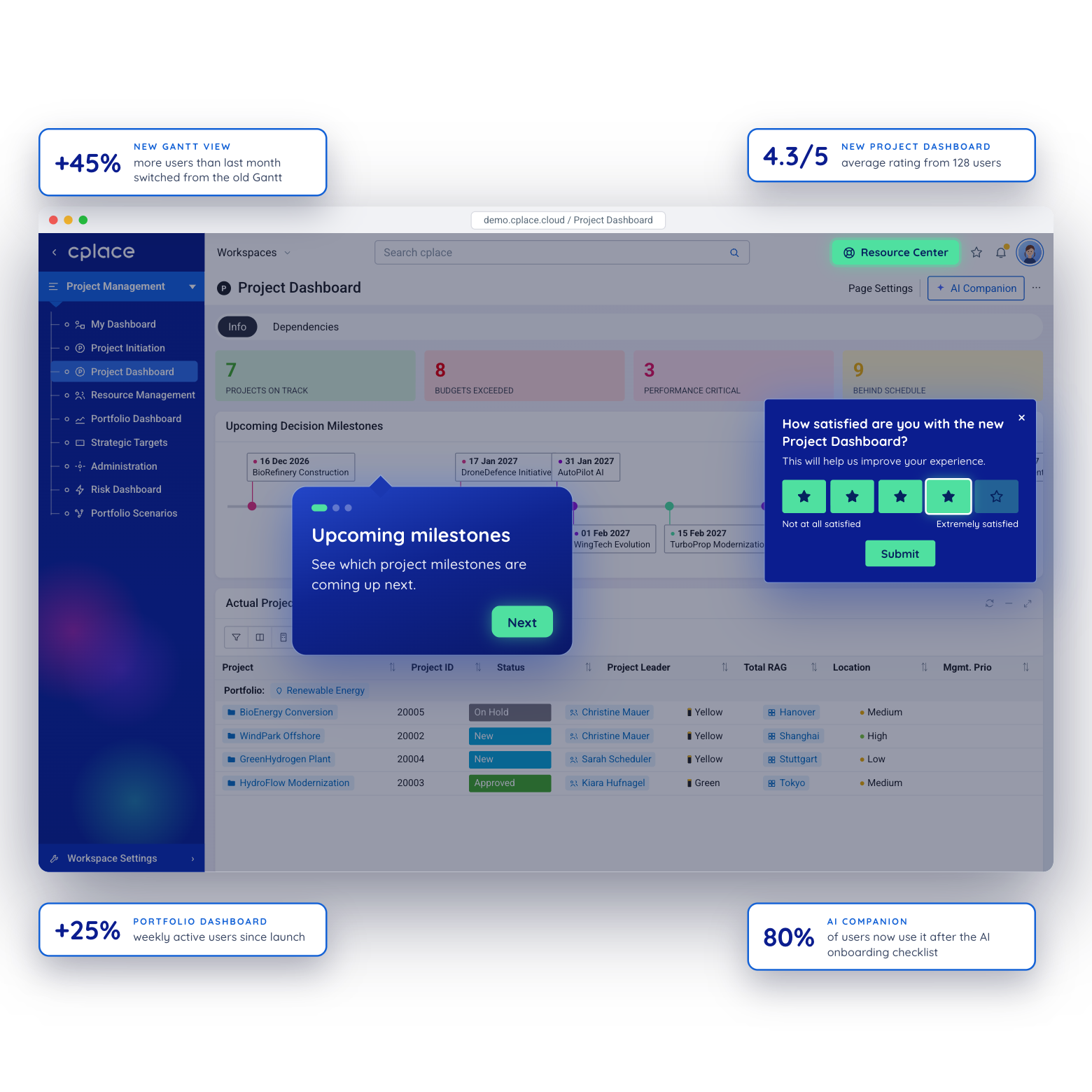
Is anyone actually using the new feature? With cplace Userpilot, you no longer have to guess – you can see it.
cplace Userpilot shows how your users actually work and where they struggle. New users get onboarding directly in cplace, built around their first real tasks. Help and feedback questions appear exactly where they’re needed. With these insights, you can fine-tune your cplace solution for your users and drive real adoption.
Your benefits at a glance

Your own Userpilot Organization
Seamlessly integrated into cplace

Your own analytics
See how your teams really use cplace

Your own engagement
Use tours, tooltips and release notes right inside the application

Feedback and NPS
Right where the work happens

Data privacy
Pseudonymized user IDs, opt-out at any time

Ready to go
With your free trial environment
Do you actually know …
- whether your users find their way around the new dashboard?
- whether new users really need the full training?
- whether your experienced users know what changed in the latest release?
The answers already are in your cplace solution. cplace Userpilot makes them visible.

Understand usage
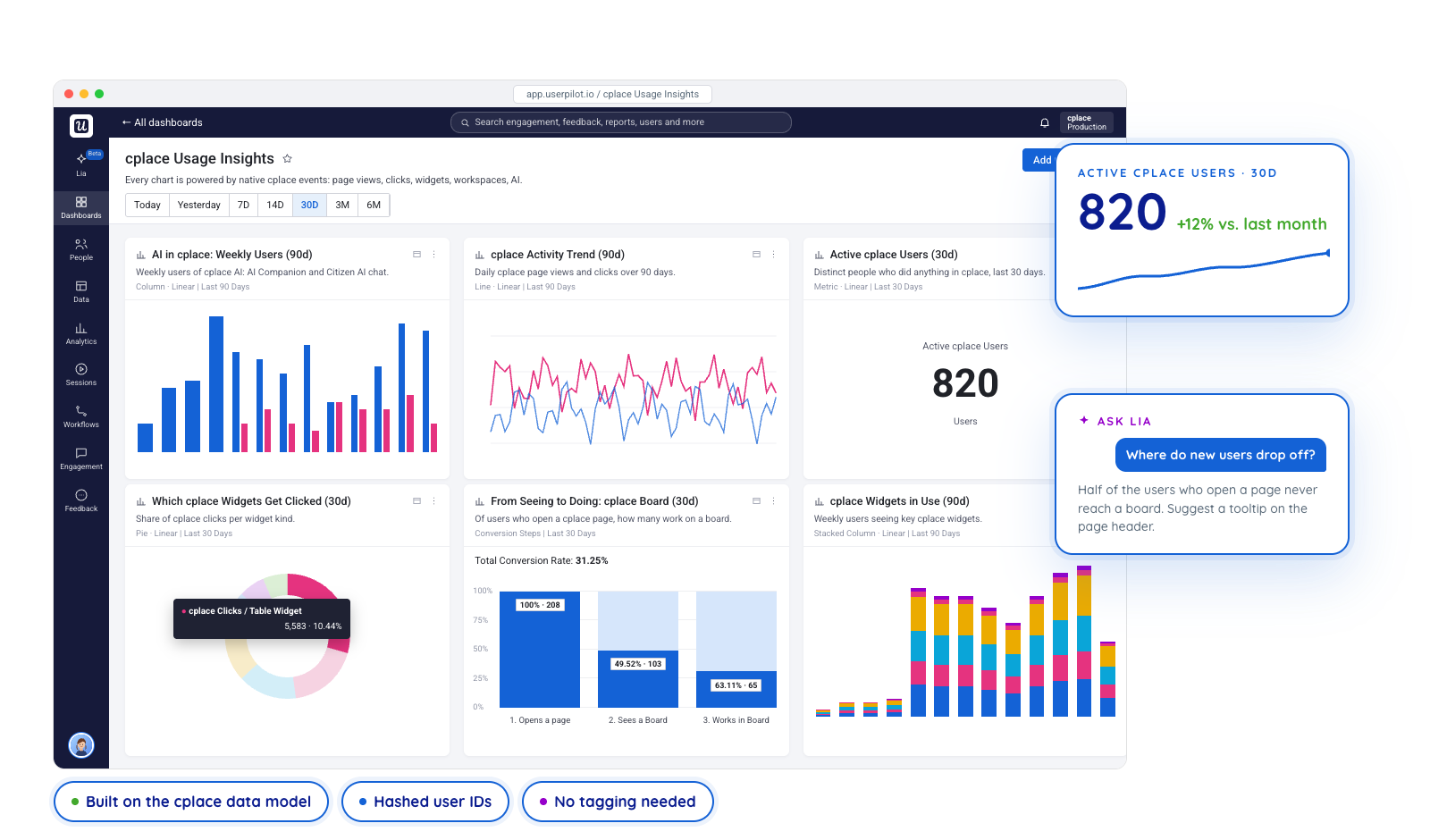
See which workspaces, page types and widgets are used, which paths your users take and where they drop off. Page views are captured automatically, and you can analyze them as a funnel or in your own dashboard.
- Which workspaces, page types and widgets are used, and where do users drop off?
- How long does it take to submit a resource request?
- Which page type is no longer used at all?

Enable users directly in cplace
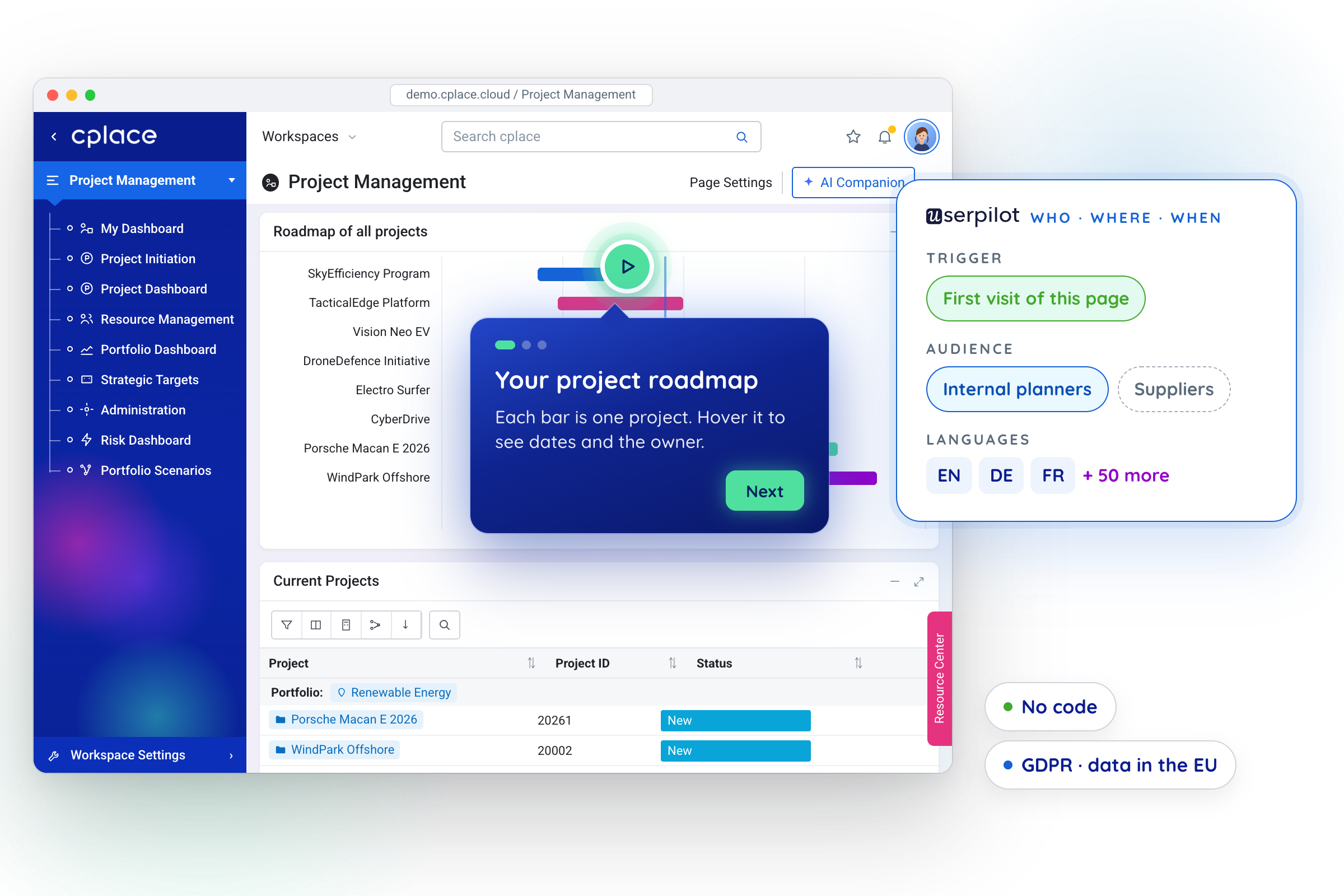
New users learn on their first real tasks, experienced users see what’s new right where they work. Every piece of help reaches only the people it’s meant for.
- A walkthrough for the first schedule
- A dedicated checklist for external suppliers
- A dashboard hint only for those who haven’t seen it yet

Feedback at the right moment
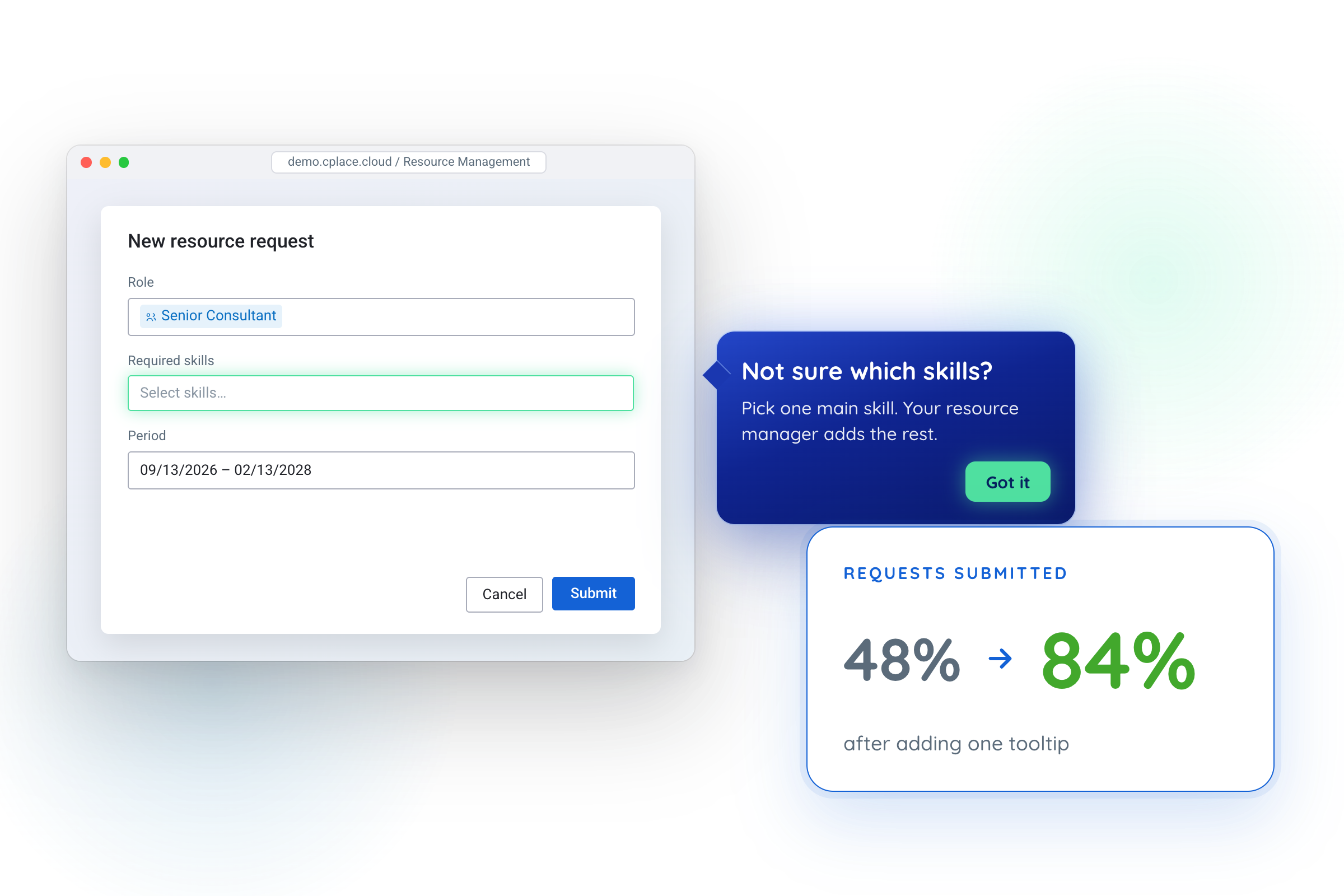
Short surveys and NPS appear right after an action. This shows you what needs improving and whether the improvement worked.
- A quick question after the first project is created
- A follow-up when someone abandons a resource request
- The same question after a revision, for comparison
Product highlights
Knows your solution
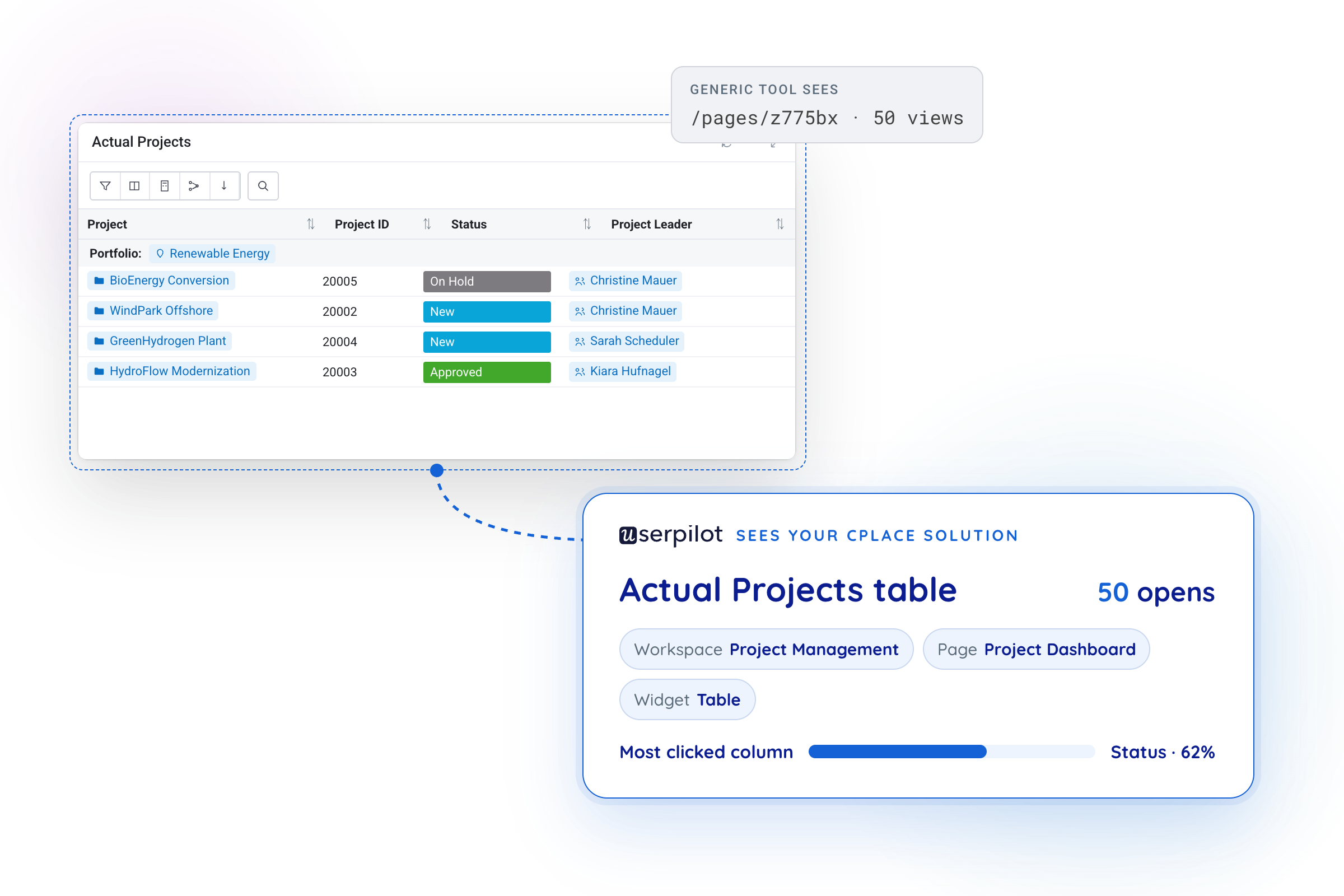
External tools report “Page abc123 was opened 50 times.” cplace Userpilot understands the cplace data model and shows which page type is used in which workspace and where users drop off. A number becomes a concrete starting point.
Targeted help
Help appears based on the page and on how people use it. This saves training time and reduces recurring support requests. Everything is created in the visual builder, without development effort and in more than 50 languages. You work in your own Userpilot Organization with data hosted in the EU, which only you can access.
Continuous improvement
The insights show where your cplace solution needs fine-tuning, such as a form many users abandon or a page type nobody uses. After the change, you measure whether it worked. The result is faster processes, happier users and a solution that actually gets used.
Overview
Facts
- Category: Digital Adoption & Product Analytics
- Developer: collaboration Factory GmbH
Required licenses
cplace Userpilot is available from cplace 25.4 and is a licensed add-on product. It includes a dedicated Userpilot Organization assigned exclusively to you, as well as tokens for production and staging environments that you can use in any number of cplace tenants. Also included are 1st- and 2nd-level support from Userpilot, 3rd-level support for the integration from collaboration Factory, and all updates during the contract term.
Try it first: You can test cplace Userpilot free of charge. You get your own trial environment, connect it to your cplace instance with a token and invite your team, with no obligation.
Frequently asked questions
No real names and no email addresses. The user ID is pseudonymized on your cplace server before anything is sent to Userpilot. No analysis at the level of individual users takes place.
Two separate recipients. The first is your own Userpilot Organization, which only you can access. The second is the organization operated by cplace, which we analyze to further develop the product. It receives only pseudonymized values, with no names of workspaces, page types or pages. In turn, cplace has no access to your organization.
No. What’s transmitted is which page types, widgets and controls are used, with no field contents, documents or records. There is no screen recording, and Session Replay is disabled.
You do. The scope is configured in the Application Settings, and only what is enabled there is transmitted. Pseudonymization of user identification is hard-wired. That’s why a “who did what” analysis isn’t possible in Userpilot itself, because the “who” doesn’t appear in the data.
Yes, at any time and without giving a reason, directly in cplace under User Menu › Data Privacy › Third-party providers, with immediate effect. Since in-app help is technically delivered via Userpilot, they will no longer see it either.
In the European Union, in the Paris data center. The default retention period is three years. This is a contractual standard rather than a functional requirement, and it can be shortened on request. Userpilot, Inc. is headquartered in the USA, and any transfers there are based on the EU-U.S. Data Privacy Framework.
You Might Also Be Interested In