Every other AI works inside your PPM tool.
cplace AI Builder builds the tool itself
Out of the box gets a team running on day one. AI Builder shapes that starting point to fit exactly how you work without a customization project waiting for you afterward.
See cplace AI Builder in action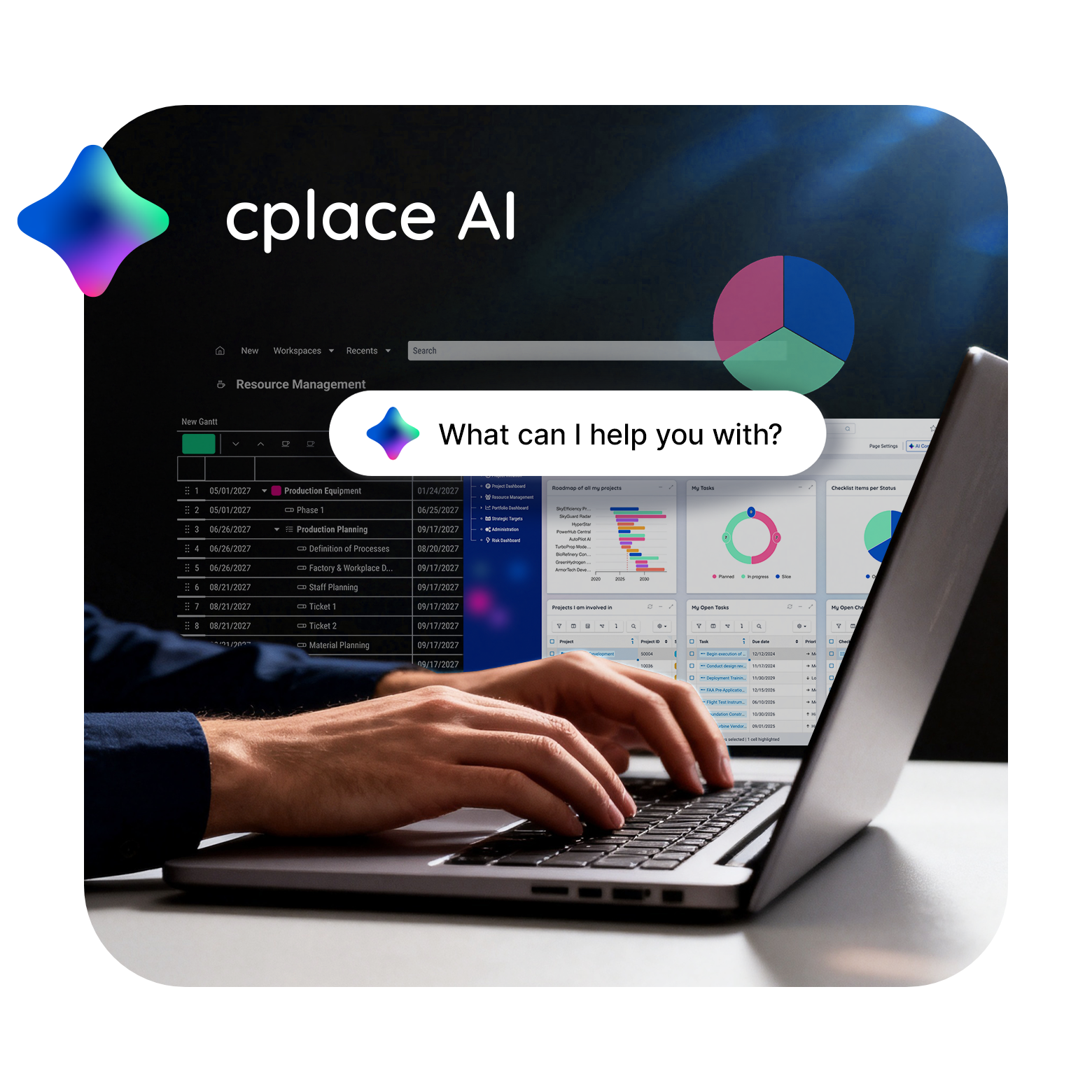
Not an assistant. A builder
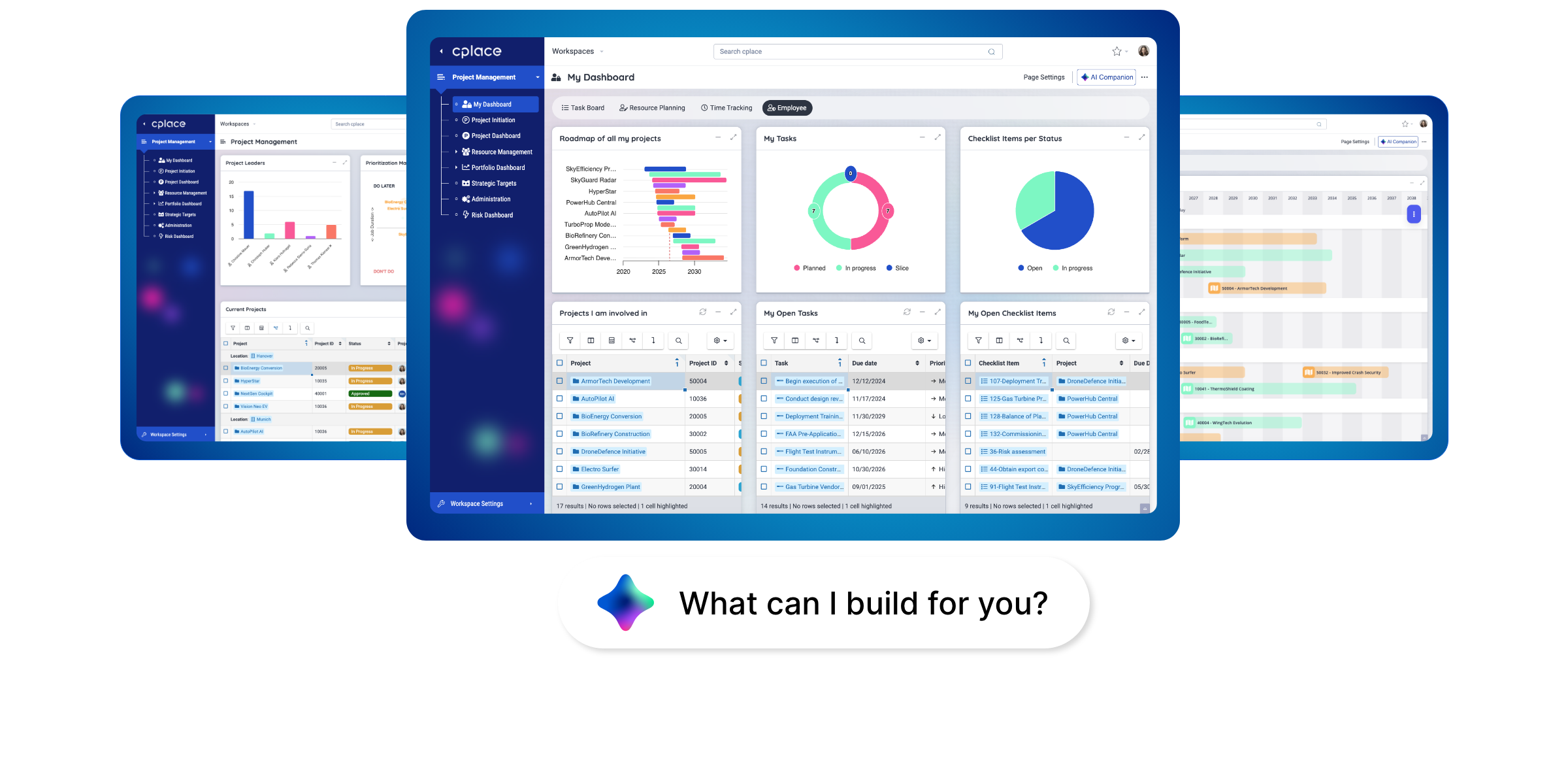
Most AI in project management tools helps people use what has already been built. It answers questions, drafts updates, and flags risks. It is useful, and teams come to rely on it throughout the day. But it operates within an existing solution: The data structure, workflows, and dashboards were all built long before AI became involved. The solution’s fit was determined just as early, and changing it later becomes a project in its own right.
Your teams keep working the way the tool allows, rather than the way the work actually runs. The difference shows up in shadow spreadsheets, workarounds, and processes bent to fit the system.
AI Builder builds the solution itself. It starts with a single prompt: You describe the application in a chat, and the Builder guides you through the rest of the process conversationally. You can add Excel files, PDFs, or workshop notes as context, but they are not required. AI Builder then creates every layer in a single pass: the data model, workflows, business logic, and the pages, views, and dashboards your teams work with – all with the structural depth required for real PPM. Point it to an existing workspace, and it extends what is already running.
Your domain experts make the decisions. AI builds. A cplace expert ensures quality.
AI Builder builds the exact
PPM solution you need

Out-of-the-box speed
A complete, working cplace application—the fit of a custom build at the speed of buying.

Tailored fit
Your portfolios, processes, and rules shape the PPM solution, not a template you bend back to fit.

Real PPM depth
Structural depth that fits your portfolios and holds up.
Best for
- New customers starting from an idea: a conversation, notes, an Excel file, or an RFP
- Existing customers turning defined requirements into working solutions, without the traditional implementation timeline
- IT and operations leads compressing delivery cycles without giving up design control

How it works

Research
AI Builder maps what already exists first: an existing cplace workspace or the documents and files provided.

Design
In the Design step, your team clicks through the design and iterates on it. Once you approve, AI Builder generates the application directly in your cplace workspace.

Plan
Domain experts review the design and control every decision. No code required.

Implement
AI Builder builds directly into the cplace instance you choose, usually staging. You test there, a cplace expert verifies the result, and Solution Management promotes it to production.

Refine
Tell the Builder what you’d like to adjust. It updates the data model, workflows, and views, and the results are visible immediately.
Four phases, one agent per phase
Under the hood, AI Builder runs through four phases: Research, Design, Plan, and Implement. A dedicated agent handles each phase, work packages run in parallel, and dependencies across the data model, workflows, and views are resolved as the build progresses. If a step fails, the build stops and puts the decision back in your hands. Refine is an optional step.
Frequently asked questions
Purpose-built applications are designed to cover best practices and standard use cases. The moment a workflow, a data model, or a governance rule doesn’t align with the purpose-built applications, most PPM solutions require expensive software customizations. Our AI Builder rapidly and safely builds the solution for you, a solution designed by you and built automatically in weeks, days or even hours, giving you total control over your PPM solution.
No. AI Builder writes directly to a designated cplace workspace through the cplace MCP Server. The data model, workflows, and layouts are available in that environment as soon as each step is complete—without a separate build or compilation process. What AI Builder generates is configuration within cplace’s own No-Code and Low-Code toolkit, not an external codebase waiting for a deployment pipeline.
Customers can define the quality assurance process that best fits their needs. Typically, changes are validated in a staging environment through user acceptance testing for larger developments or smoke testing for smaller adjustments. Once approved, they are promoted to production through cplace Solution Management, with a cplace expert verifying the result before go-live.
No. The cplace AI Builder allows you to Bring Your Own Key. Your data is never used to train any model, and every interaction is logged and auditable.
Explore cplace AI GovernanceThe AI builder output resides in cplace’s own No-Code and Low-Code toolkit, alongside anything you’ve chosen to build by hand, fully visible and editable. Ongoing changes are owned by you, giving you freedom from help tickets that will never be finished.
You don’t need them. AI Builder takes what you actually have (the Excel file, an offsite deck, a conversation) and structures it, with a cplace expert ensuring the extraction captures what the business needs.
Talk to an expertIn your own cplace instance. AI Builder does not produce a stand-alone application that needs its own hosting: it builds on the cplace platform, so hosting, infrastructure and your existing roles and permission model are already in place before the first prompt. As it builds, new objects are configured against that model. Nothing gets a permission scheme of its own.